AYN Thor impressions - you can play everything, but you've gotta do it yourself
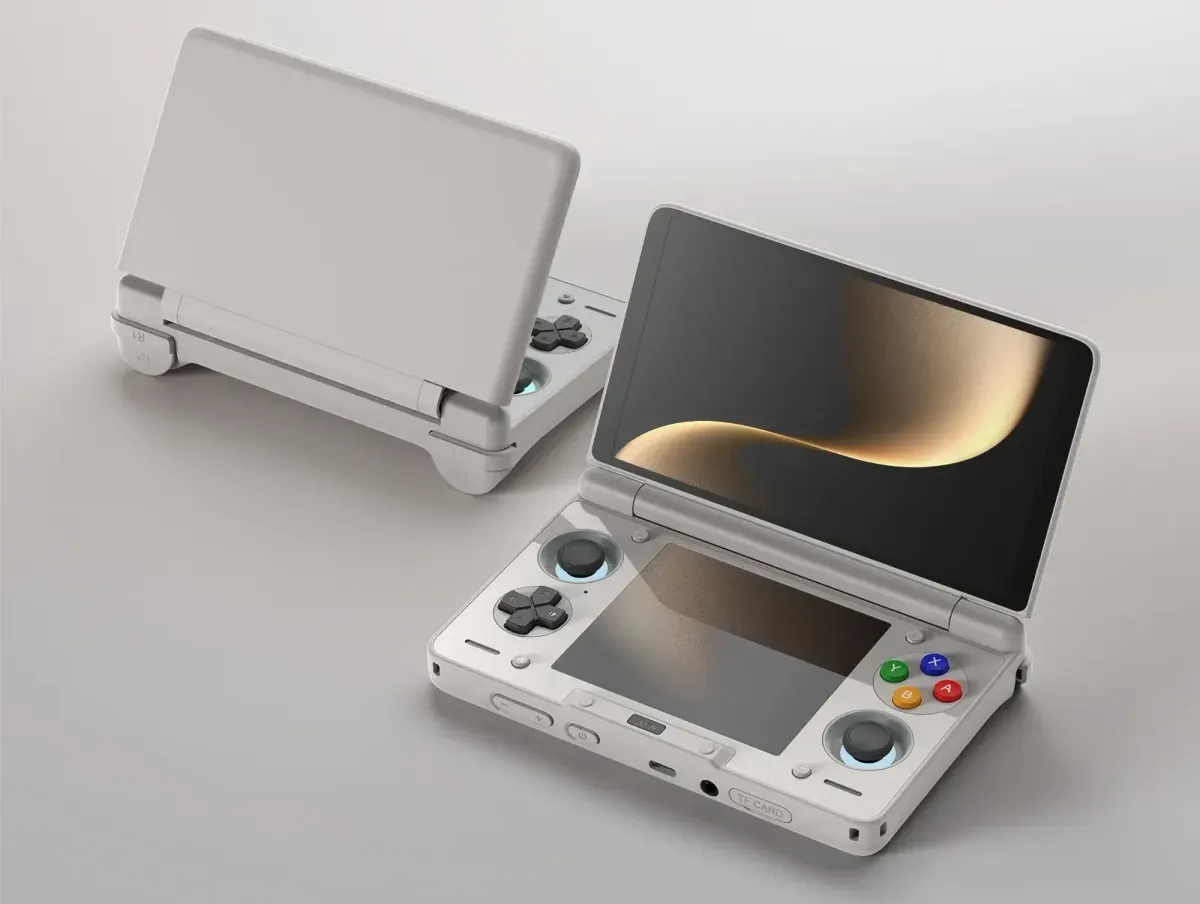
An emulator setup is kind of a project— a project of finding files, dragging and dropping them at great volume, and fiddling with settings— so I want to make an early impressions post on my new AYN Thor handheld before I make a final review.
Why did I need a Thor?
A long time ago, at a part-time job, a co-worker broke my 3DS’s top screen when they dropped my bag. I was able to use it with a big crack in the screen until I got a Switch and eventually gave my 3DS an extended vacation. Over time, liquid bled out inside the screen, rendering it useless forever… and my large, valuable collection of legitimately purchased digital 3DS games stranded until I bought a new system.
Now if you’ve looked at the state of buying a 3DS today, you know it’s not great. Retro games are scalperville, and everyone knows how easy it is to hack a 3DS and get every game for free, so prices for the base unit remain pretty high despite the sheer number of them out there.
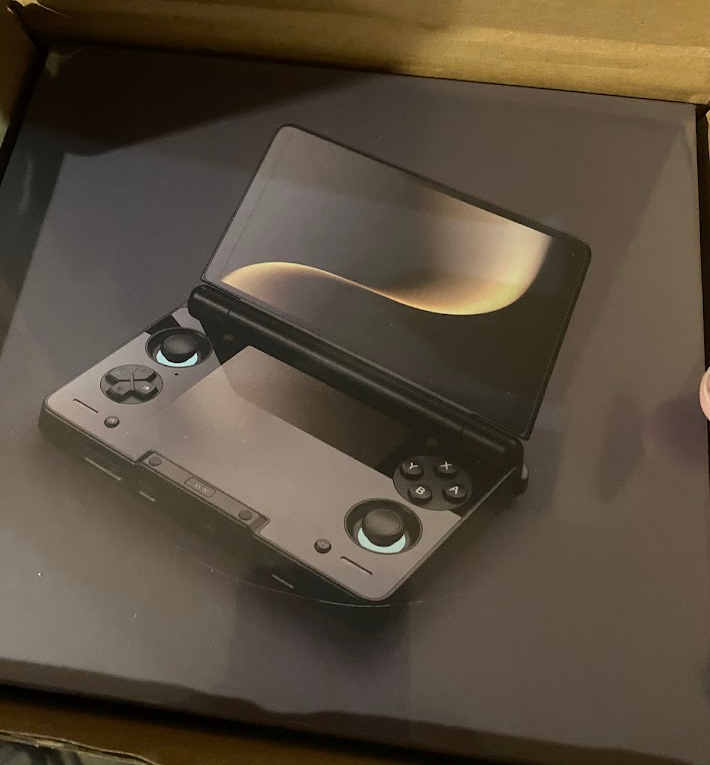
But, okay, if I’m going to seriously invest in a little piracy-handheld… there’s a whole market for that, you know? I can at least get better specs than the 3DS. And that brings us around to the AYN Thor, a powerful Android device in a 3DS form factor that people primarily use for gaming and emulation. I could pay out the nose for an old 3DS, or I could seriously pay out the nose ($450 including accessories) for a brand-new device that can play the exact same games and a whole lot more. This thing can run PS3 games.
But I haven’t gotten to all that. I am starting from the bottom, filling the little box with full sets of retro games from the NES on up. And the first thing you need to know about that is that you have to do it all yourself.
The Gamesoft Robo Fun Club is a solo labor of love that depends entirely on paid subscriptions from readers to exist. If you enjoyed this piece and you'd like to see more, I'd love to see you become a regular or paid subscriber. Paid subscribers get exclusive posts and keep me fed. Thanks for reading the pitch and hope to see you subscribe!
Doing it yourself
While the Thor is very obviously built for emulation, it doesn’t set it up for you and it doesn't "just work" like a Switch. Out of the box, it’s just a bare Android device with only AYN’s software on it. You really must follow a series of community tutorials to get the system looking like a modern game console: a downloader to automatically grab and update your apps, a frontend to run your emulators, and of course lining up directories to put all those games into. You also have to be savvy enough to find the games on your own, which we don’t talk about because every source you publicize is a source you lose. While the payoff is great, the setup to get everything perfect and looking nice (like downloading cover art for thousands of old games) will absolutely take hours per system.
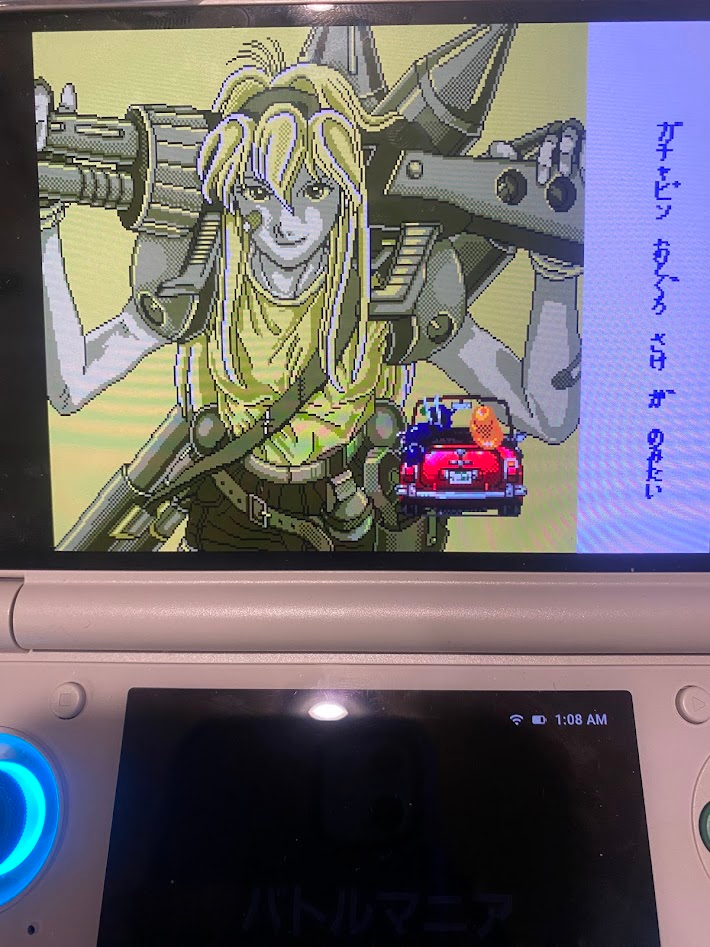
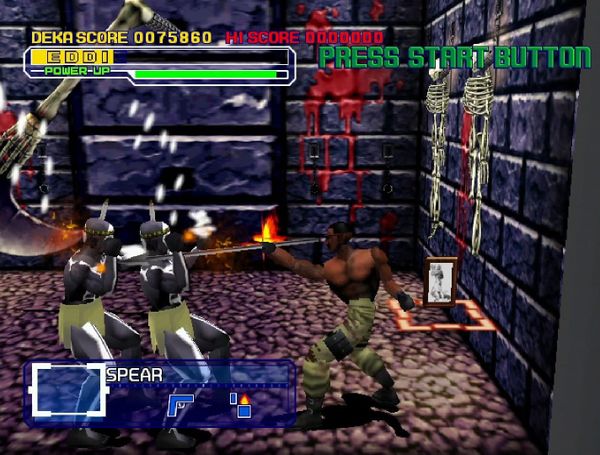
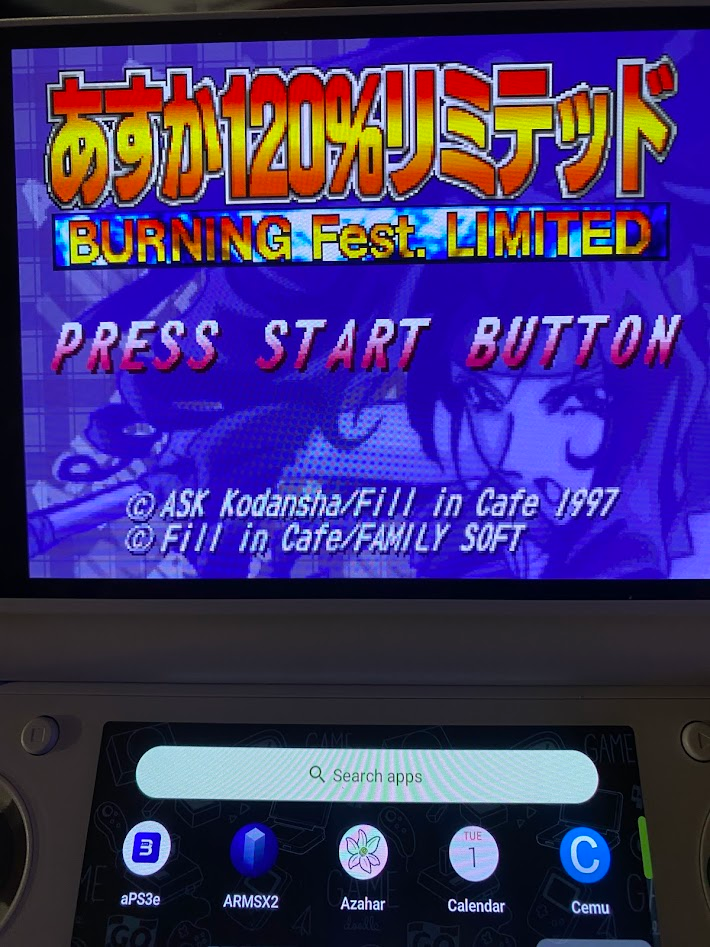
Which is why I’m about… 25% of the way in? I have NES, SMS, PC Engine, SNES, and Genesis set up, along with a few PS1 and Saturn discs and the two big 3DS RPGs I already owned and wanted to finish (7th Dragon III Code:VFD and Etrian Mystery Dungeon, both extremely unique dungeon crawls that I can’t recommend enough). Of course the first game I loaded up was Asuka 120%. Full rom sets for the older consoles are no problem, but as I mentioned before, the most time-consuming part of the process is waiting as the machine auto-scrapes all the screenshots and logos for the interface from community databases, so that your games don’t appear as solid-colored blocks with the first letter of the filename on them. If you have any favorites, or if the automatic scraper inevitably gets a game wrong, you can customize their appearance in the menu with the exact images of your choosing. (I did this, for example, with the Battle Mania/Trouble Shooter games for the Genesis.) Emulation is for the tinkerer, and that applies just as much for this toy.
Once you get up to PS1 and beyond, you have to start picking and choosing your games, lest you download more of them than you have storage for. I’m working with 256GB right now (I have the option to expand with an SD card later), so you can imagine I haven’t looked at, for example, PS3 games yet. Like most enthusiast computer hardware, the Thor has only gotten more expensive since I ordered mine for $400. Even so, I kind of wish I’d paid a hundred bucks more and gotten more storage: it would have been as much as a good size SD card is going to cost me anyway.
Hardware, buttons, comfort, quality
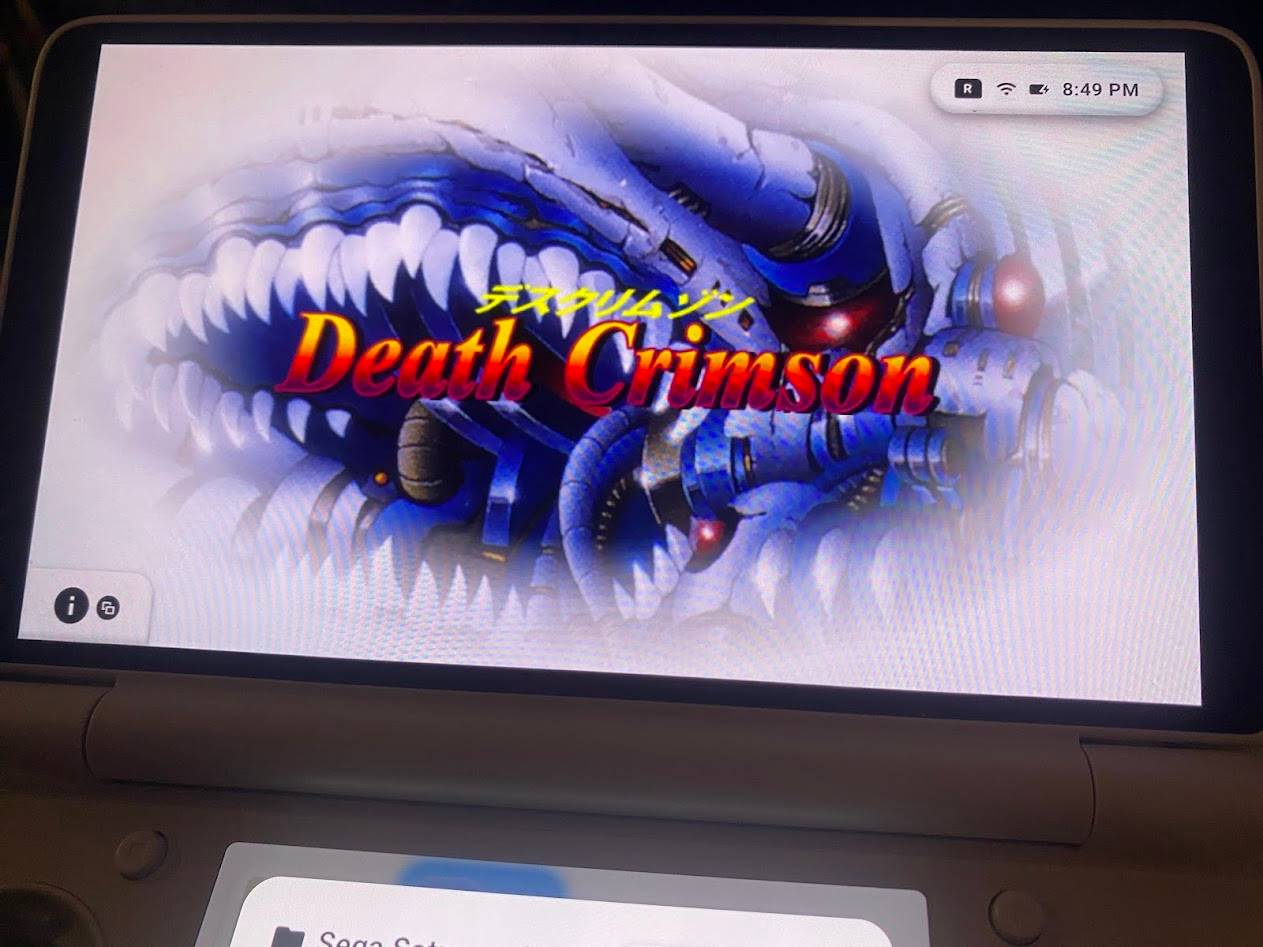
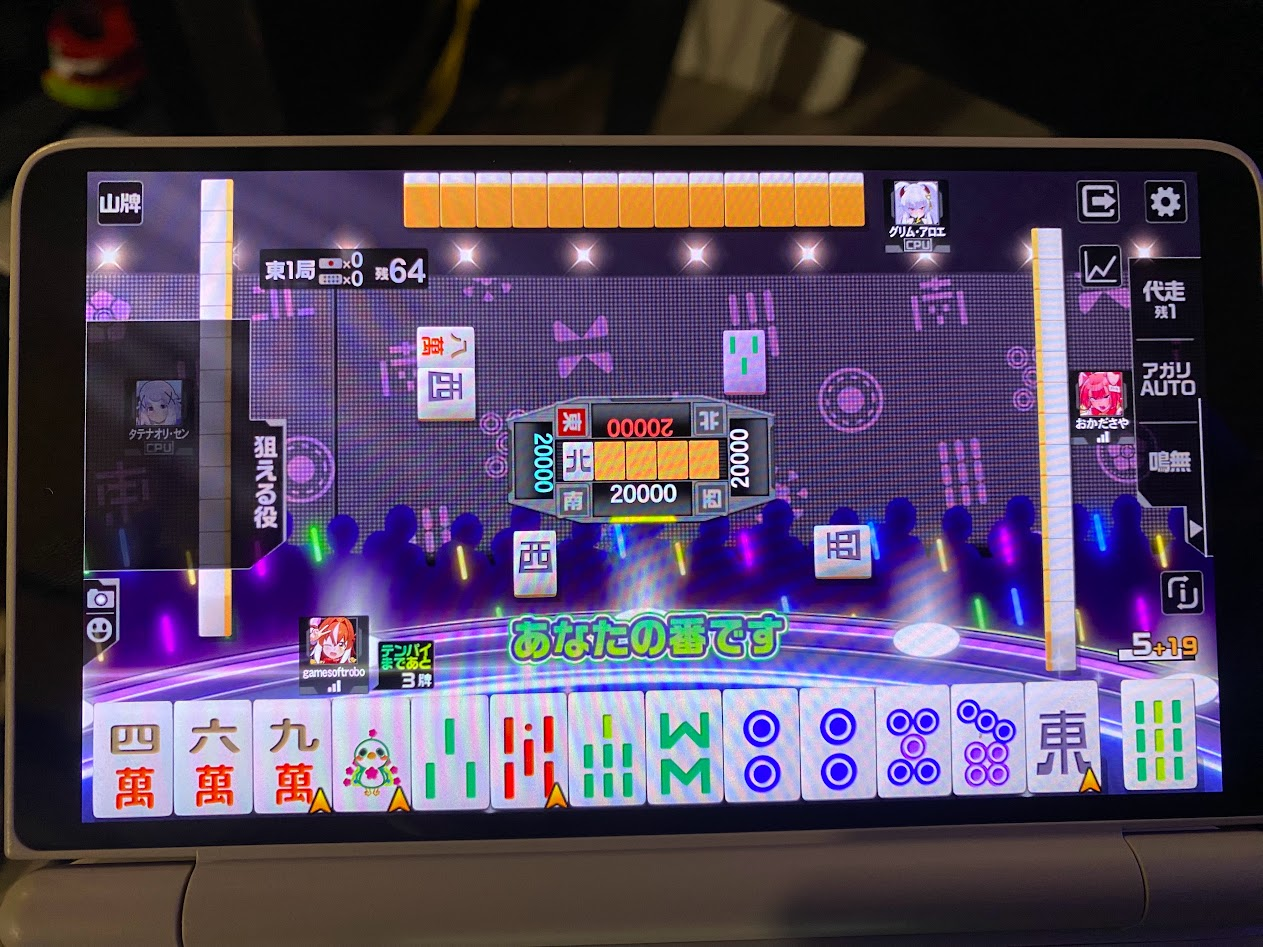
Anyway, let’s assume we did all that setup and we’re playing video games on our Thor. The first points of note are the screens: the main top screen is quite clean and beautiful, certainly better than your 3DS screen. (I quickly found out via Mahjong Fight Club SP that the big, wide touchscreen is also a killer mahjong app.) The bottom screen is the same square screen you'd have for a 3DS/DS, but obviously at a much higher resolution.
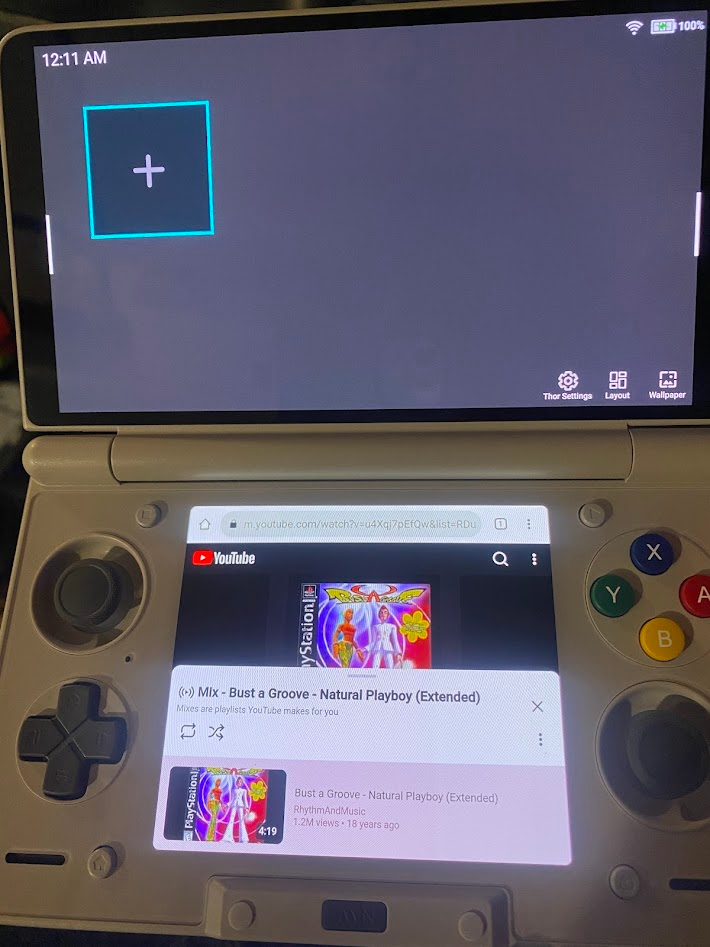
In addition to playing dual-screen games, you also have full freedom to swap between these screens and even multi-task as you please.
How are the buttons? The D-pad is a cross, but it has a little more give than the typical Nintendo-style crosspad and handles diagonals well. I eventually got to grips with it enough that I didn’t mind playing Asuka 120% for long periods on the subway. With four sturdy and responsive face buttons, I imagine it’s alright for Neo-Geo titles as well.
The Hall Effect analog sticks delivered a perfectly smooth ride in Gran Turismo 2, but that’s one of the very few chances I’ve had to use them in a game thus far. (I had totally forgotten just how few analog-compatible PS1 games there were, and I lived through that time!) It’s slightly cramped up top, where you have normal clicky shoulder buttons and triggers on the back similar to any modern game controller. Both are a bit small, and I often found myself pressing one when I meant to press the other.
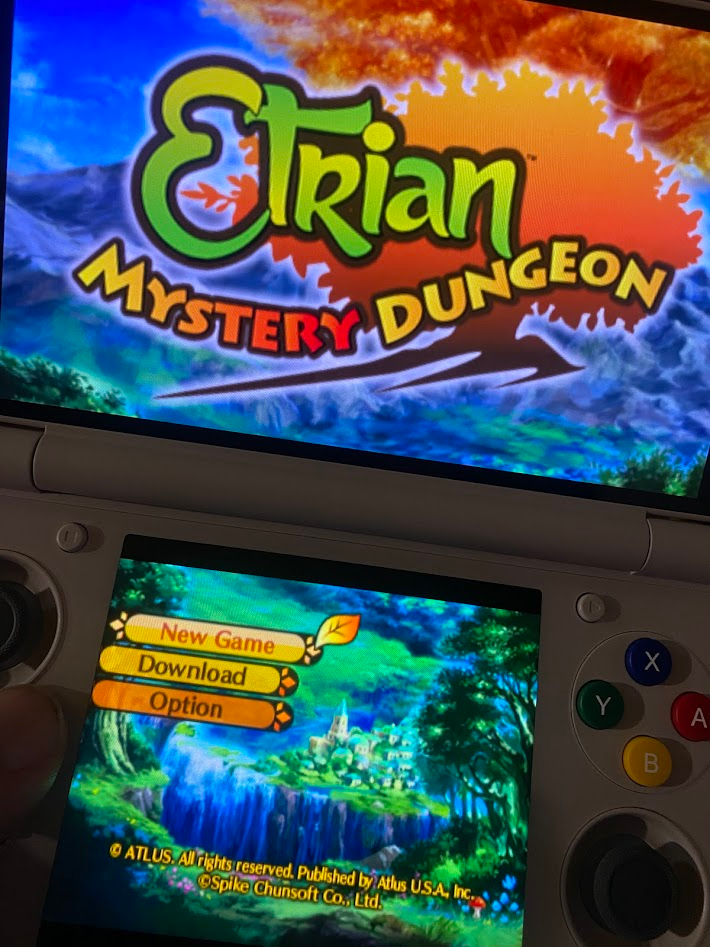
The 3DS form factor is still comfy, and adding a second analog stick to the right side doesn’t overcrowd the system at all. Do buy the accessories pack: the included rubber grip completes the feel, and I don’t think I’ll ever take it off. I found my hands didn’t feel strained at all after long sessions, and the buttons stand up to heavy play on frantic arcade games. Most of my play time has actually been on Saturn arcade games, but that shouldn’t be much of a surprise considering it’s me we’re talking about. I haven't played a ton of DS/3DS yet– the games I want to play are big time commitments– but dual-screen play is seamless, as though you were using the original hardware.
The main annoyance that comes with being able to switch between the dual screens is that touching a screen switches your button controls to that screen. This is extremely annoying when, for example, I'm playing a single-screen game and the side of my thumb slips out just enough to tap the bottom screen, and now my controls have been switched to whatever is open on that screen instead of the game I'm playing. For a lot of games, you have to remember to turn the bottom screen off outright, or it'll get in the way.
So far I’m extremely satisfied with my Thor, and I don’t see that impression changing. (I let a friend try it for five minutes, and he bought one a couple days later.) Eventually I’ll get to reloading my old 3DS library, but right now I’m kind of using it for… anything but, really. I got really into Kaze’s classic pinball games Last Gladiators (coming to Switch soon!) and Necronomicon.
I don’t really consider emulation an easy way to play the same old video games over and over again, though maybe I should replay Chrono Trigger, and Super Metroid, and Symphony of the Night. But what I love about emulation is the treasure hunting aspect of having a library up for grabs; trying out lesser-known, cult, or unknown games and coming out with new favorites. And it's been a really long time since I "worked" on an emulation setup, but I have to admit that Doing It Myself is kind of fun too.
You can get a AYN Thor directly from the company, so don't feed scalpers online. Prepare to wait a few months, as they can't keep these in stock. You don't need a Thor right this second; you can probably play the same games on the device you're using right now. Have you played Battle Mania Daiginjou?